Webby
A downloadable Webby for Windows
A simple, blocky 3D sandbox you can play with friends.
Run, jump, climb, build and dance. Hop into a public party with strangers or host a private one for your friends. No account needed (For now).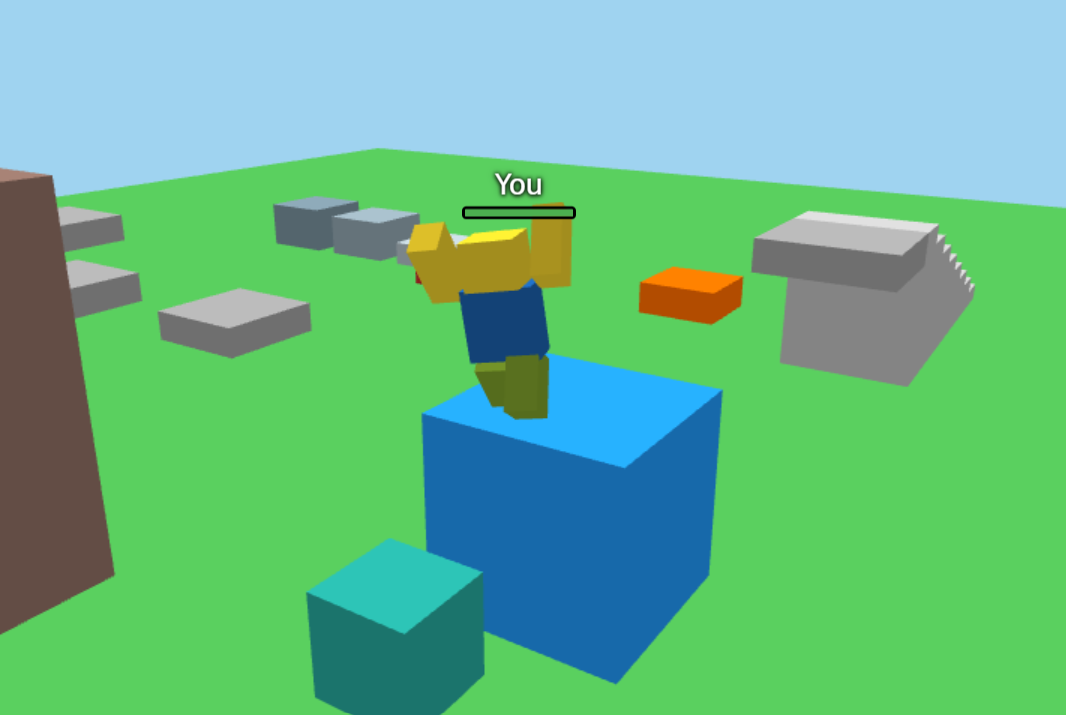
-- What is Webby?
Webby is a small multiplayer 3D game, you control a blocky player, here you can play games, customize your avatar and socialize with other players.
The goal is to hang out, test your movement and build whatever you want.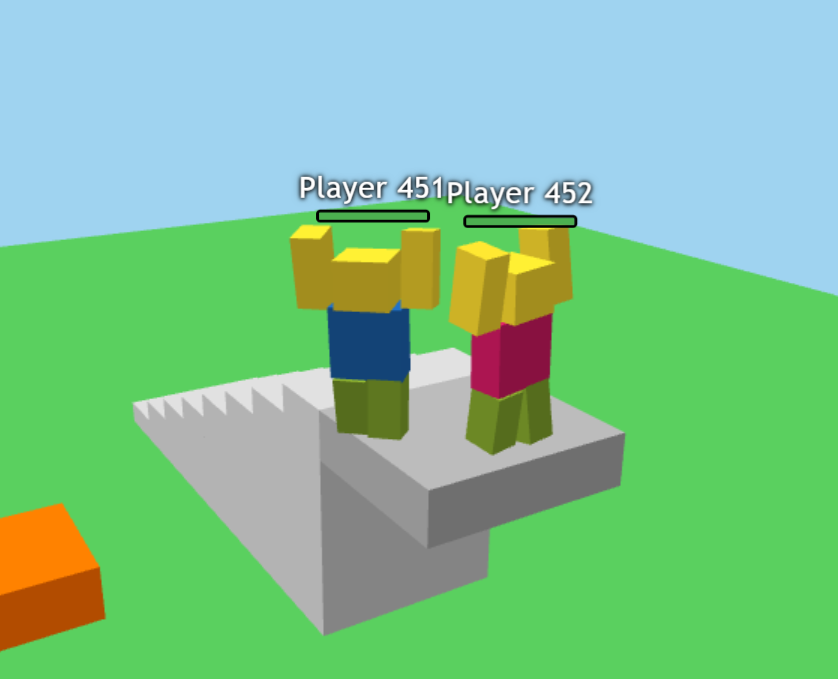
--Movement and world
- Run with **WASD** or the **arrow keys**, and jump with **Space**.
- Press shift for a shift lock
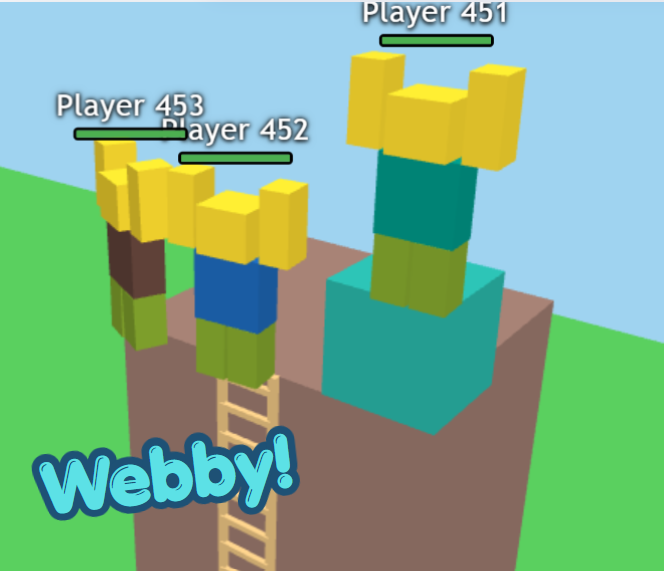
- Climb a ladder to the top of a tall tower.
- Walk up a staircase, bounce across jump blocks and hop between floating platforms.
- Drag the mouse to turn the camera, and scroll to zoom in and out.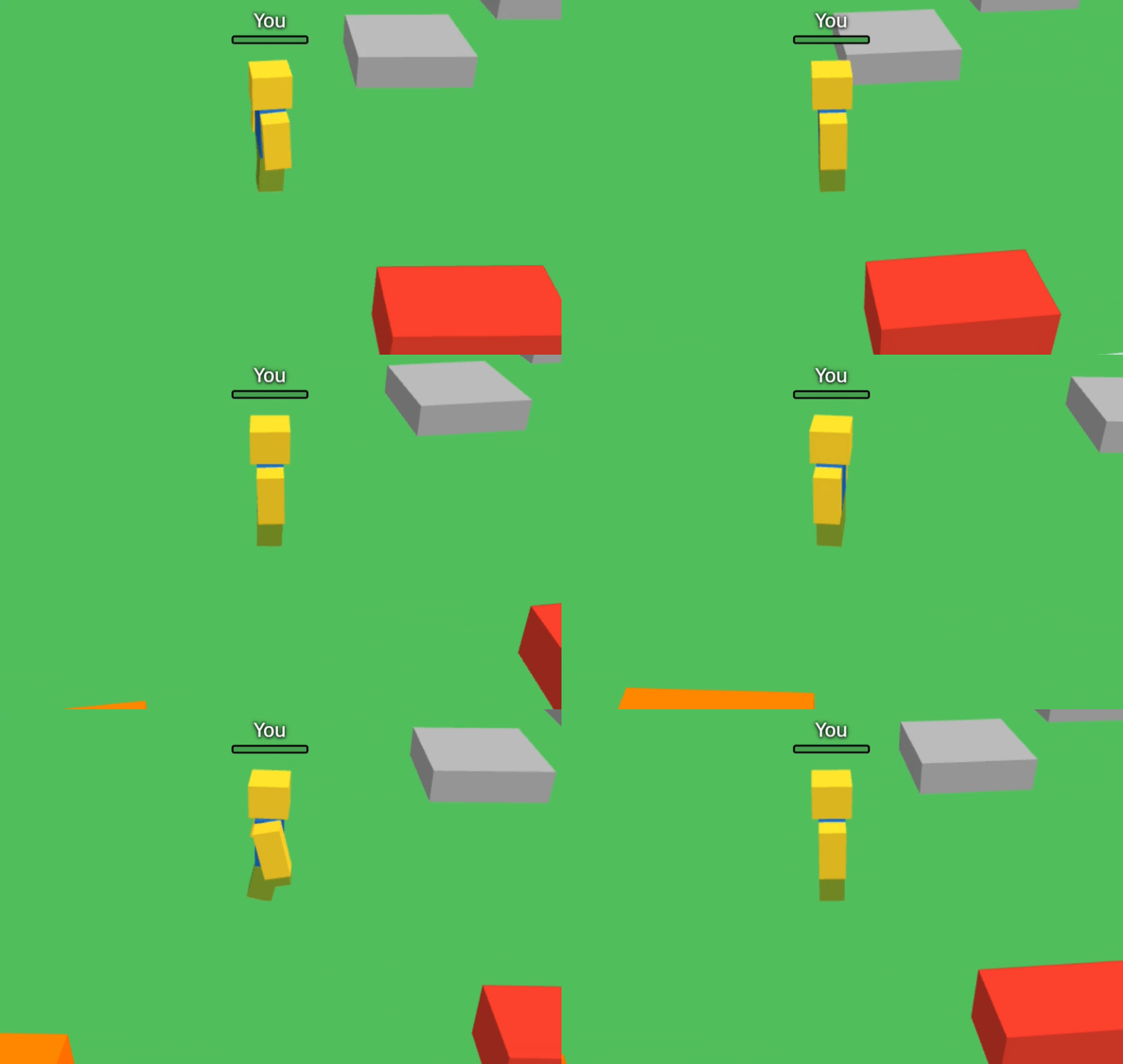
--Build with the Wtool
- Press **1** to take out your Wtool, like a hotbar in Roblox.
- Place blocks (Block, Big Block, Plank, Wall and Pillar) anywhere in the world.
- Pick up and move your builds, rotate them with **R**, or delete them.
- Place, move and delete blocks with sound effects and little particle bursts.
- Everyone sees your builds in real time.
- Builds belong to whoever placed them, so other players can't move or delete yours (unless a private party's host turns that on).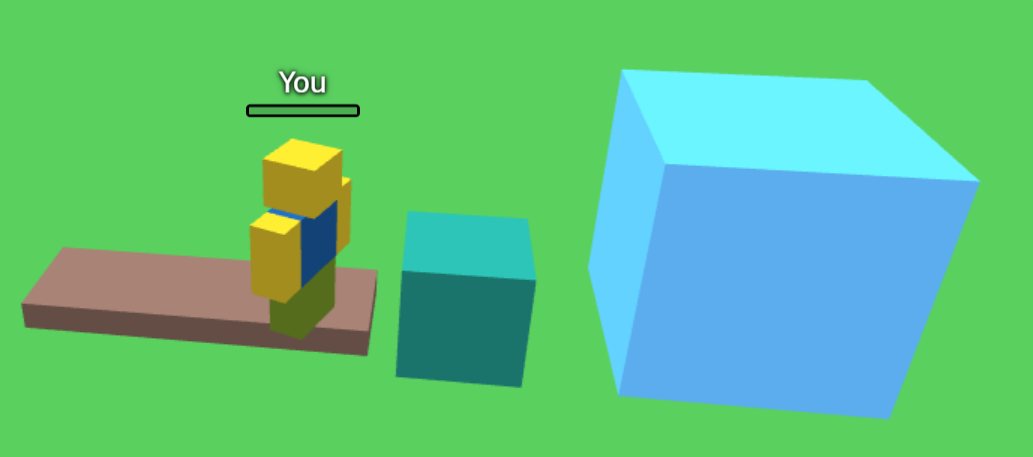
--Health, danger and respawning
- A health bar sits in the top left, and every player has a small health bar over their head.
- Touch the **orange block** and you lose 5% health every moment you stay on it. Reach 0% and you're out.
- Touch the **red brick** and your character falls apart into pieces.
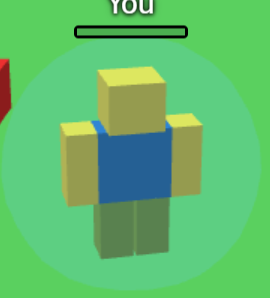
- You respawn after 7 seconds with a short **force field** that protects you from all damage for 5 seconds.
--Play together with Party servers
When you join a game, you immediately join a public party, to join a private party press the smiley button at the top right to join or host a private party.
- Press the smiley button at the top right to open **Party servers**.
- **Host party:** you get a short code to share. Friends choose **Join party** and paste it in.
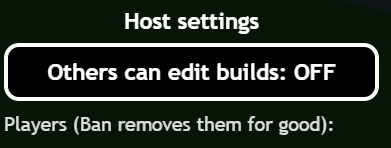
- Hosts get **Host settings**: choose whether other players can edit each other's builds, and ban players from the party.
-- Avatar system
Customize your avatar to whatever you like! Click the **Avatar systems** tab in the homepage and start customizing!
Hats: Pirate hat, Baseball cap and Fedora
Faces: Happy face, Angry face and Surprised face
Colors: Customize your skin color of your avatar, you can choose the default colors set or choose custom colors!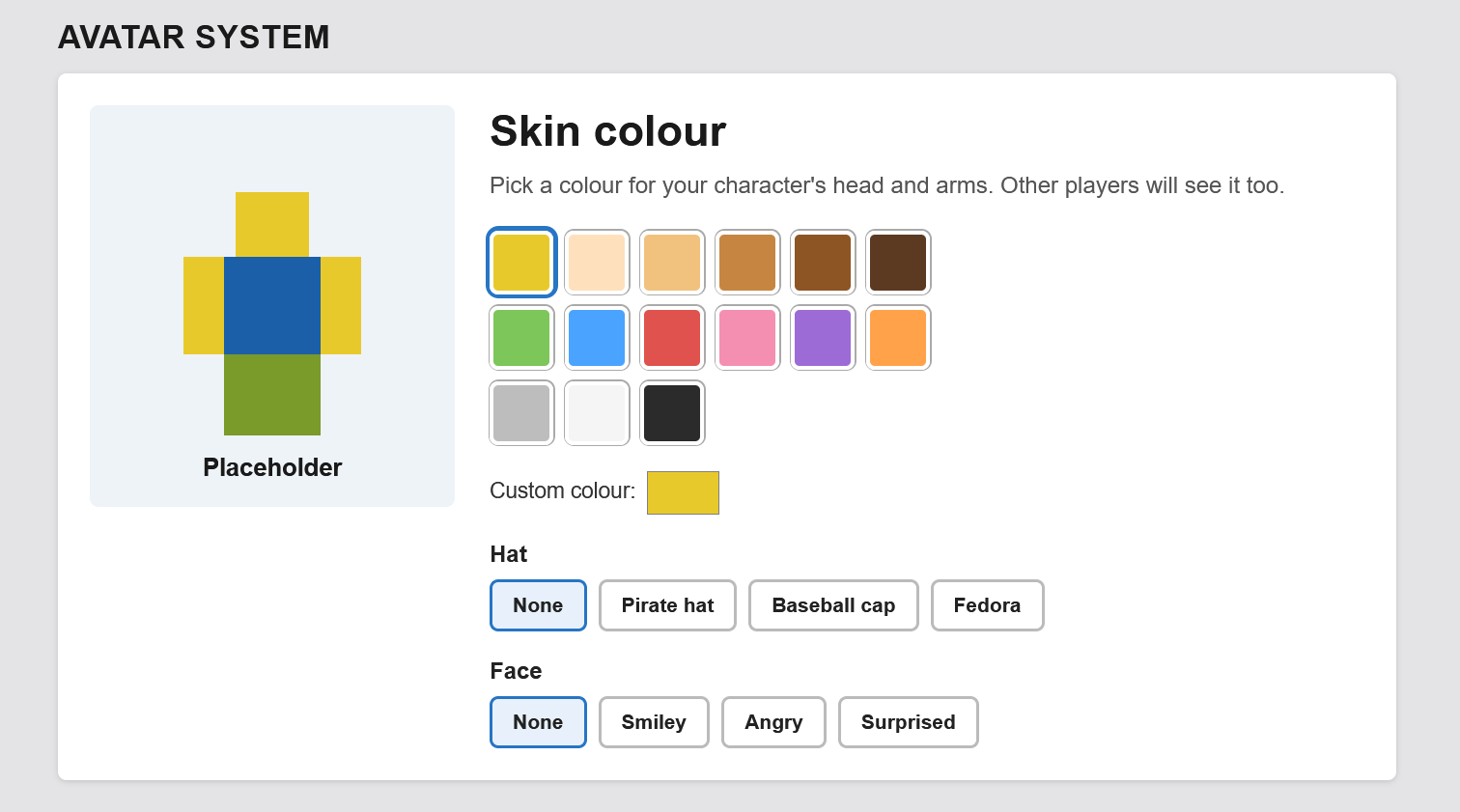
-- Chat and name tags
- Press **Enter** to chat with everyone in your party.
- Every player has a name tag over their head.
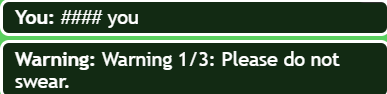
- An automatic filter replaces swear words with `####`. Players get a warning each time, and repeated swearing gets them removed from a public party for a while.
-- Sound and polish
- All the sound effects and music are made using AI
- Simple outlined menus keep the screen clean.
-- Controls
| Action | Key |
| Move | **WASD** or **Arrow keys** |
| Jump | **Space** |
|Party servers| **ESC**|
|Shiftlock| **Shift button**|
| Climb a ladder | **W** (while next to it) |
| Camera | **Drag the mouse** |
| Zoom | **Scroll wheel** |
| Wtool | **1** |
| Rotate a block | **R** |
| Chat | **Enter** |
*Want to know a secret? Try typing something that starts with ''/e'' * 
-- Playing with friends
You can play with friends by either joining them in game, or hosting/joining a party.
You can add friends, accept friend invitations, and find other players to be your friend using the Find players tab.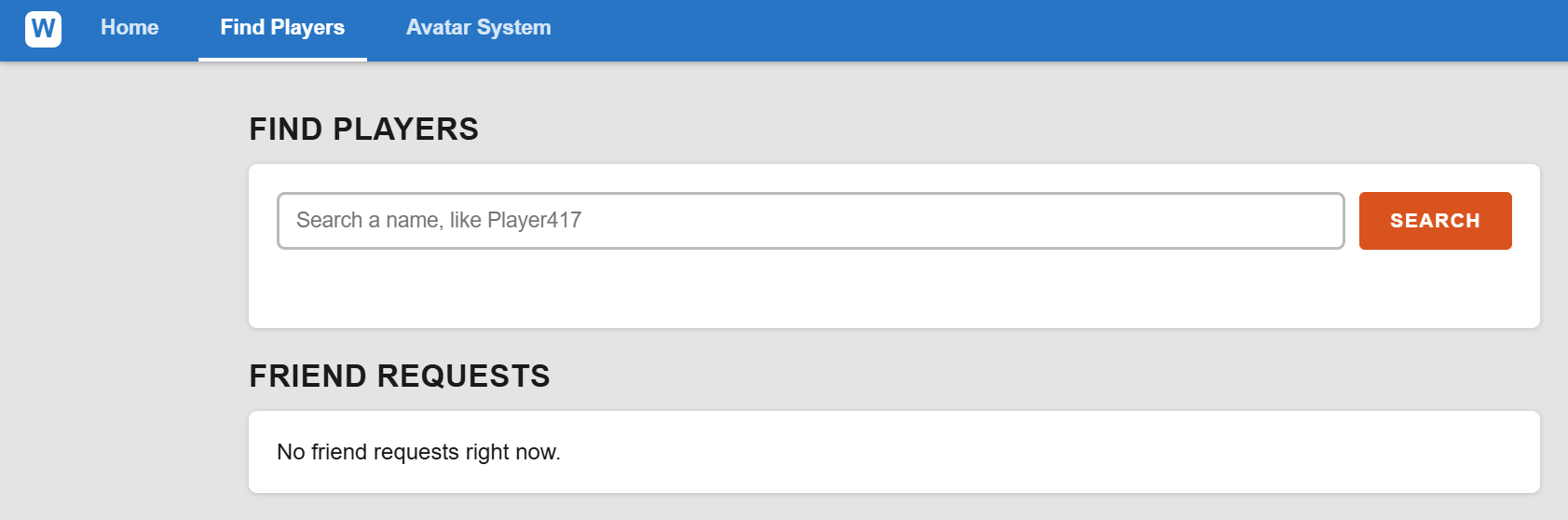
*Multiplayer needs an internet connection and works best when everyone is on a recent version of Chrome, Edge or Firefox.*
--Good to know
- Avatar system might be buggy still.
- Best on a computer with a keyboard and mouse.
- Players are given names like "Player 417".
- Blocks placed by a player disappear when that player leaves the party.
- Some school or work networks block the type of connection used for parties.
- Webby is a small, simple project, so expect a few rough edges. Thanks for playing!
Download
Install instructions
How to Play Webby
-- Option 1: Browser (Easiest)
Use this if you'd like Webby to open in its own window with its own icon.
1. Go to https://sites.google.com/view/webbygg/game
2. Press the button ''Play now'' (Should download Webby.html)
3. Save it anywhere, for example your Desktop.
4. **Double-click it.** It opens in your web browser and you can play.
To know: Webby Browser is stuck in Webby's first version, and won't be getting any more updates—from now on, all new updates and features will be coming to the Webby App!
-- Option 2: Webby app (Windows):
This makes a real `Webby.exe` with the Webby icon.
1. Download **Webby launcher.bat**.
2. Windows security might flag this, this is because Webby doesn't have a code-sign yet . Click more info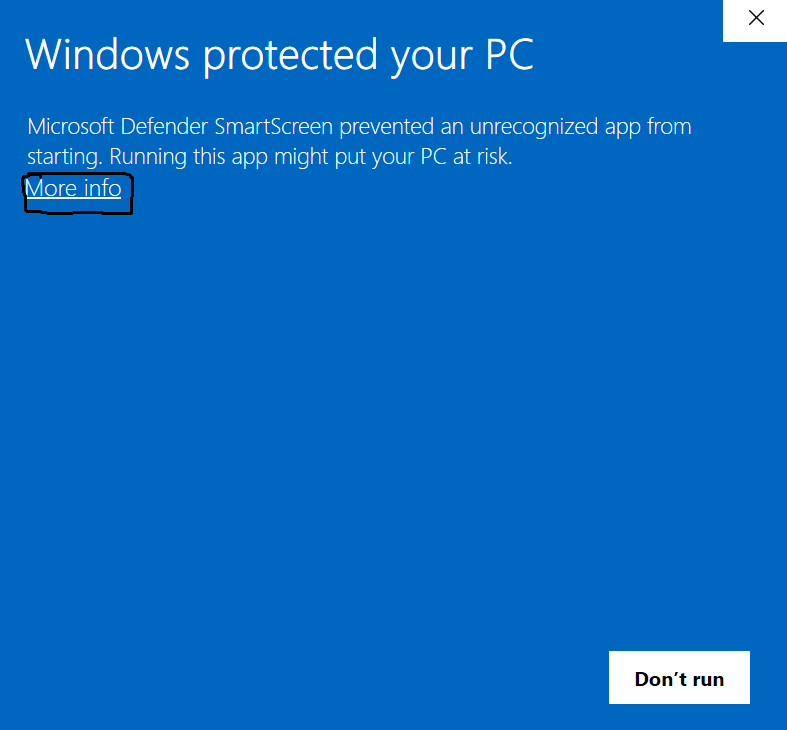
3. After, click *Run anyway*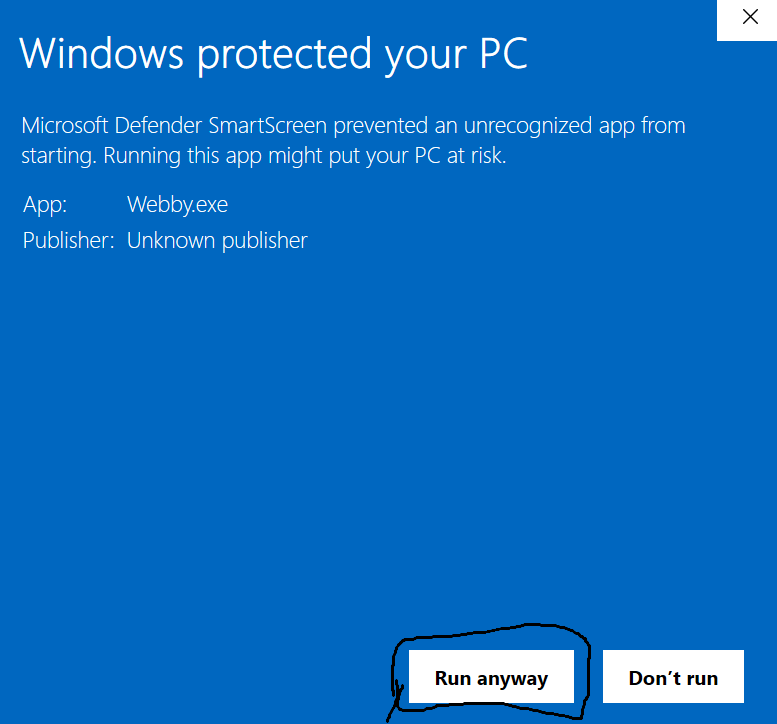
5. Webby should now open, have fun!
**Why the warnings?** Windows warns about any program from a publisher that isn't a registered company. The files are only the game, and nothing else is hidden inside.
**Requirements for windows:** Windows 10 or 11 with Microsoft Edge.
**Mac and Linux coming soon!**
--Playing online with friends
1. Press **Play**, then the smiley button at the top right to open **Party servers**.
2. **Host party** gives you a code. Send it to your friends.
3. Friends press **Join party**, paste the code and press **Join**.
4. Or press **Join a public party** to jump in with anyone (up to 5 players per party).
Parties need an internet connection, Some school or work networks block them.
--Troubleshooting
- **Black screen or the game won't start:** update your browser, or try Chrome or Edge.
- **No sound:** click once inside the game first. Browsers only allow sound after you click.
- **Can't join a party:** double-check the code, and make sure the host still has the game open.
- **The downloaded `.exe` closes right away:** make sure Microsoft Edge is installed.
- **Mac, Linux or phone:** download Webby.html (Option 1). The downloads are for Windows only, and the game is built for a keyboard and mouse.
Development log
- Updated Servers1 day ago